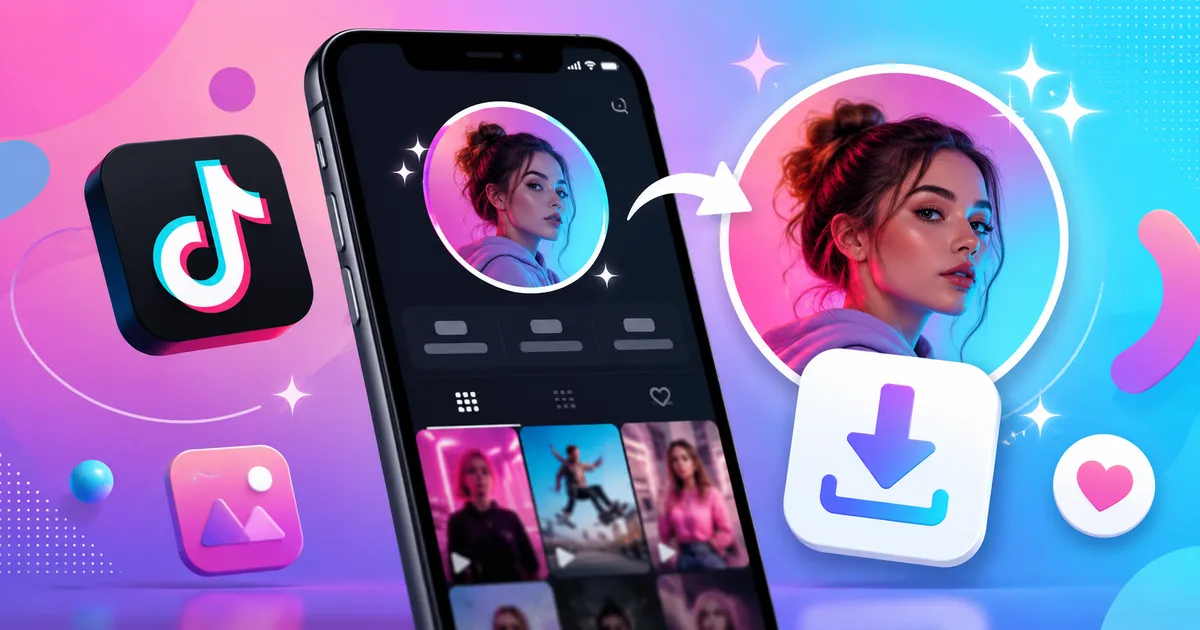
A TikTok profile picture may look tiny inside the app, but sometimes that small circle says a lot. It can be a creator’s logo, a fan account identity, a brand mark, a funny selfie, a pet photo, a gaming avatar, or the only clue you have when trying to recognize the right profile. That is exactly why searches like tiktok profile picture download, tiktok profile picture downloader, and download tiktok profile picture keep growing.
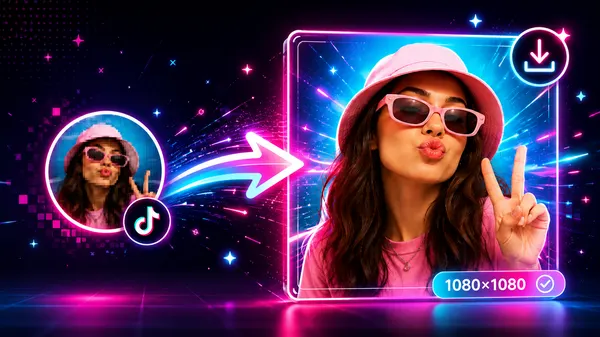
The problem is simple: TikTok shows profile photos in a small circular preview. If you screenshot it, the result usually looks blurry, cropped, or too small. A proper TikTok profile picture download HD method helps you view and save the image more clearly, without zooming, cropping, or fighting with your phone screen.
With TikPink’s profile pic downloader, you can save a public TikTok profile photo directly from your browser. No app installation, no complicated steps, and no need to log in with your TikTok account. Whether you call it a TikTok profile pic downloader, a TikTok DP downloader, or an online TikTok profile downloader, the goal is the same: get the profile image in a clean, usable format.
What Is a TikTok Profile Picture Downloader?
A TikTok profile picture downloader is a simple online tool that helps you fetch and save the profile image connected to a public TikTok account. Instead of opening the TikTok app, zooming into a small avatar, and taking a low-quality screenshot, you paste a profile link or username into a tool and download the image more directly.
This is useful because TikTok profile photos are usually displayed as small circles across the app. You see them beside comments, profile pages, search results, reposts, and videos. The image may be uploaded in better quality, but what you see on screen is often a compressed preview. A downloader gives you a better chance of saving the clearest available version.
People use a TikTok profile downloader for different reasons. A creator may want to save their own old profile image before changing it. A designer may need a creator’s public avatar for a collaboration mockup. A fan may want to recognize the right account among many similar usernames. A brand manager may want to check how a logo looks as a small TikTok avatar.
Tip: A profile picture downloader should be used for public profile images only. Respect creators’ privacy, avoid impersonation, and do not reuse someone’s photo in a misleading way.
TikPink keeps the process straightforward. You can use the profile picture downloader for avatars, the profile viewer to check public profile details, the TikTok video downloader for videos, and the music finder when you want to identify sounds from TikTok content.
How to Download TikTok Profile Picture in HD
The easiest way to download TikTok profile picture content is to start with the profile link. A username can also work, but a full profile URL is usually more precise because it avoids confusion with similar names, fan pages, or accounts using nearly identical handles.
Here is the clean step-by-step method:
- Open TikTok and go to the profile whose picture you want to save.
- Copy the profile link. On mobile, tap the share button and choose copy link. On desktop, copy the profile URL from the address bar.
- Go to TikPink Profile Picture Downloader.
- Paste the TikTok profile link into the input box.
- Tap the download button and wait for the profile image preview to load.
- Save the profile picture to your phone, tablet, or computer.
This method is much cleaner than taking a screenshot because screenshots often include extra background, app interface elements, or circular cropping. If you want a full-size profile picture, always use the original profile link when possible.
On iPhone, the image may save to Photos or Files depending on your browser settings. On Android, it usually appears in Downloads or Gallery. On desktop, right-click saving or browser download prompts are usually the fastest option. If the image looks smaller than expected, remember that the final quality depends on the original profile photo uploaded by the TikTok user.
Save a TikTok Profile Picture Clearly
Paste a TikTok profile link and download the available profile photo without taking blurry screenshots.
Download Profile PictureTikTok Profile Picture Download HD: Why Quality Matters
There is a big difference between saving a tiny avatar preview and downloading a cleaner HD profile image. A screenshot might look acceptable while it is still inside your phone gallery, but once you crop it, enlarge it, or use it on a larger screen, the blur becomes obvious. Small text, logos, face details, and illustrated avatars lose sharpness quickly.
This matters most when the profile picture is being used for identification. For example, imagine searching for a creator who has many copycat accounts. A clearer profile image can help you confirm whether you found the real account. The same applies to brands, musicians, editors, meme pages, small businesses, and influencers who use visual branding heavily on TikTok.
A TikTok profile picture download HD tool helps because it avoids unnecessary extra compression from screenshots. It can fetch the available public profile photo more directly, giving you a cleaner result when the source image allows it. That does not mean every profile picture will become magically high-resolution. If the user uploaded a small or low-quality photo, the downloader cannot recreate missing detail.
- Best result: the creator uploaded a clean square image or logo.
- Average result: the profile picture is clear but slightly compressed by the platform.
- Weak result: the original image was already blurry, dark, cropped, or very small.
For your own TikTok account, use a square image with the main subject centered. TikTok displays profile images in a circle, so important details near the corners may be hidden. A simple, high-contrast profile photo usually works better than a busy image full of tiny text.
TikTok Profile Pic Download on iPhone, Android, and Desktop
A good TikTok profile pic download method should work across devices. Many users search from their phones because they discover the profile inside the TikTok app, but desktop can be more comfortable when you are collecting references, checking brand assets, or organizing creator research.
On iPhone, use Safari or Chrome. Copy the TikTok profile link from the app, open TikPink’s profile downloader, paste the link, and save the image. If the image does not appear in Photos immediately, check the Files app or your browser downloads folder. iOS sometimes stores downloaded files separately depending on the browser.
On Android, Chrome usually gives the smoothest experience. After pasting the profile link and downloading the image, check your Downloads folder, Gallery, or Google Photos. If the file does not show instantly, open the Downloads app or file manager. Some Android phones group browser downloads under a separate folder.
On desktop, copying the URL is even easier. Visit the TikTok profile in your browser, copy the full address, paste it into TikPink, and download the image. Desktop is especially useful if you are saving several public creator avatars for a spreadsheet, article draft, collaboration list, or visual research board.
Small habit, better results: copy the full TikTok profile URL instead of manually typing a username. It reduces mistakes and helps avoid downloading the wrong account’s image.
Common Mistakes When You Save TikTok Profile Picture
Most problems with save TikTok profile picture attempts come from using the wrong method. The most common mistake is taking a screenshot from the TikTok app. It feels quick, but it usually gives you a cropped, low-resolution image with extra interface elements around it.
Another mistake is copying the wrong link. TikTok has video links, sound links, short links, and profile links. If you paste a video link into a profile tool, the result may not be what you expected. For profile images, start from the creator’s profile page, not from a random video page.
Some users also expect every TikTok avatar to download in perfect HD. That is not always possible. A downloader can only provide the best available version from the public profile data. If the user uploaded a tiny image, a dark selfie, or a heavily compressed logo, the downloaded result may still have limits.
- Do not screenshot first: use a profile link for better clarity.
- Check the username carefully: copycats often use similar names, dots, underscores, or extra letters.
- Avoid private misuse: only save public images for fair, respectful purposes.
- Do not stretch small images: enlarging a small avatar can make it look worse.
- Keep the original file: avoid repeatedly editing and resaving, because that may reduce quality.
If your goal is to download a TikTok video instead of a profile photo, use TikPink’s video downloader. If you are trying to identify the sound behind a post, TikPink Music Finder is the better tool.
Need More Than a Profile Photo?
Download TikTok videos, find music, check profiles, and explore trending content with TikPink tools.
Explore TikPink ToolsTikTok DP Downloader FAQ
What is a TikTok DP downloader?
A TikTok DP downloader is another name for a TikTok profile picture downloader. DP usually means display picture, profile picture, profile photo, or avatar. The tool helps you save the public profile image connected to a TikTok account.
Can I download TikTok profile picture in HD?
Yes, you can download the best available version of many public TikTok profile pictures. The final quality depends on the original image uploaded by the user. If the source image is small, blurry, or compressed, no tool can turn it into a perfect high-resolution photo.
Do I need to install an app?
No. TikPink works in your browser, so you can use it on iPhone, Android, tablet, Windows, or Mac without installing a separate profile pic saver app.
Can I use a username instead of a link?
In many cases, yes, but a full profile link is safer. Usernames can be similar, and some accounts use dots, underscores, numbers, or lookalike spellings. A profile URL helps reduce mistakes.
Is it okay to reuse someone’s TikTok profile photo?
Be careful. Downloading a public image for personal reference, recognition, or your own account backup is different from pretending to be someone else, using their face commercially, or reposting their image without permission. When in doubt, ask the creator or use your own original image.
Can TikPink download private profile pictures?
TikPink is designed for publicly available TikTok content. It should not be used to bypass privacy settings, access restricted material, or misuse another person’s identity.
Best Way to Use TikPink for TikTok Profile Download
If you want a clean, practical TikTok profile download workflow, keep it simple: copy the public profile link, paste it into TikPink Profile Picture Downloader, preview the result, and save the image. That is the safest way to avoid blurry screenshots, wrong accounts, and messy crops.
The strongest reason to use a profile downloader is clarity. TikTok profile pictures are small inside the app, but creators use them for identity. A clear avatar helps you recognize the right profile, save your own branding, compare account visuals, or keep a reference before a creator updates their picture.
For the best results, use the full TikTok profile URL, check the account twice before downloading, and remember that image quality depends on the original upload. If you are saving your own TikTok DP, consider keeping a backup folder with your old profile images, banners, logos, and thumbnails. It makes future redesigns much easier.
TikPink also helps with the rest of your TikTok workflow. Use TikTok video downloader when you need to save videos, Music Finder when a sound gets stuck in your head, Profile Viewer when you want to check public profile details, and Trending when you want to see what is popular across TikTok.
Key takeaway: do not screenshot a tiny circle if you can save the profile image properly. A good TikTok profile picture download tool gives you a cleaner file, fewer mistakes, and a much better result.