If you've ever tried to upload a TikTok video to another platform and it looked blurry, or downloaded a video that seemed lower quality than what you watched in the app — you're not imagining things. There's a whole layer of format and encoding decisions happening behind the scenes.
This article breaks down what TikTok actually does to your videos, what formats they use, and how to make sure you're getting the best possible quality when you download.
What Format Does TikTok Use?
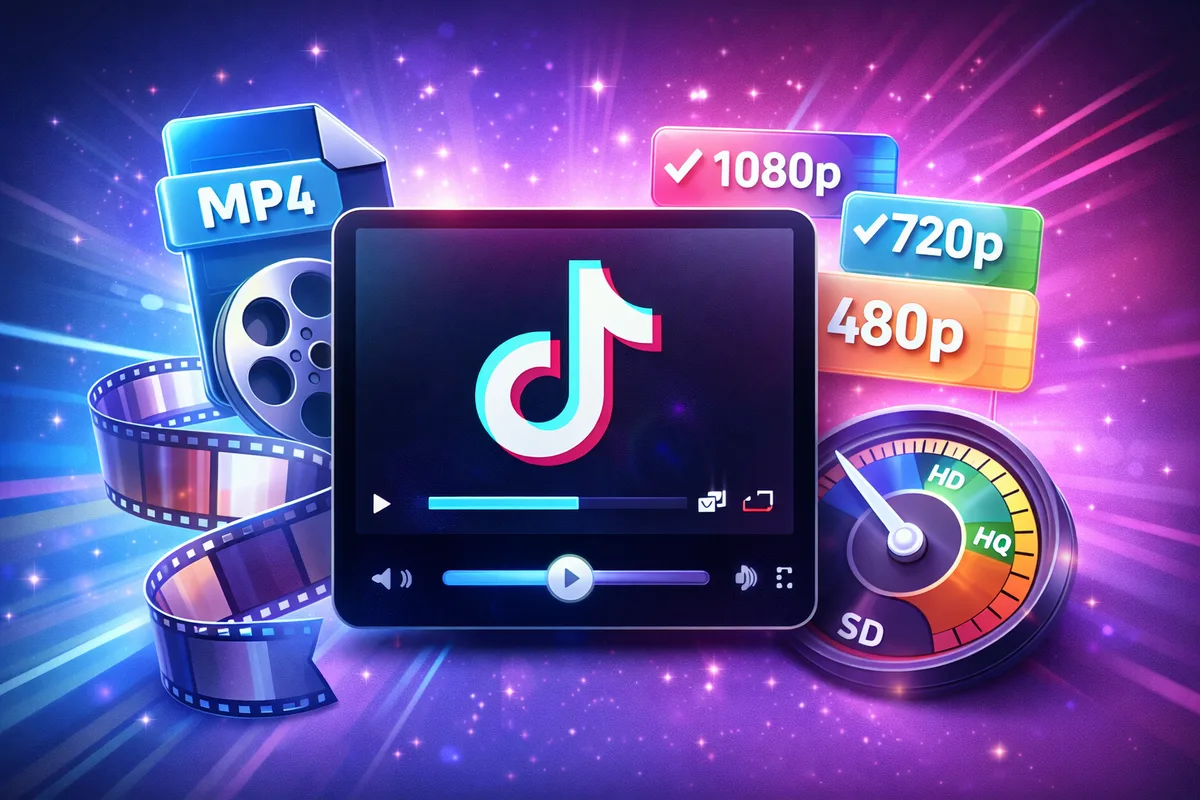
TikTok serves videos in MP4 format using the H.264 (AVC) codec. This is the same format used by pretty much every video platform — YouTube, Instagram, you name it. It's universally compatible, plays on every device, and offers a good balance between quality and file size.
Some newer TikTok videos (especially from creators using high-end phones) may use H.265 (HEVC) encoding. HEVC delivers better quality at smaller file sizes but isn't supported by every player or editor. If you run into a video that won't play on your PC, this might be why.
Resolution: What 1080p Really Means on TikTok
TikTok's standard format is 1080×1920 pixels — that's Full HD in portrait orientation. When you record with "HD" turned on in TikTok's settings, this is what you get.
But here's the thing most people don't realize: TikTok dynamically adjusts the quality based on your internet connection. If you're on slow WiFi or mobile data, the app shows you a compressed 720p or even 480p version. The original HD file still exists on TikTok's servers — you're just not seeing it in the app.
When you download through TikPink, the tool requests the highest quality version available. So you often end up with a better-looking file than what you were watching in the app.
Audio Quality
TikTok audio is encoded in AAC format at 128 kbps. That's decent — comparable to what Spotify delivers on mobile. The audio is embedded in the MP4 file, so when you download a video, you automatically get the audio track baked in.
For music-focused downloads, where you only want the audio, tools like TikPink's Music Finder can identify the song and point you to the full track on streaming platforms.
Find Any TikTok Song
Paste a TikTok link and instantly find the song name, artist, and streaming links.
Try Music FinderFile Sizes: What to Expect
A typical 30-second TikTok video in 1080p comes in at around 5-8 MB. A full 3-minute video can be 30-50 MB depending on how much motion is in the frame. Fast-moving content (dance videos, sports clips) produces larger files than talking-head content.
Slideshows and photo carousels are much smaller — usually 1-3 MB regardless of length — because they're essentially static images with transitions.
Tips for Best Download Quality
A few things you can do to make sure you're getting the sharpest download possible:
- Always copy the link from the original TikTok post, not from a repost or a shared Instagram story. Reposts sometimes link to lower-quality cached versions.
- If you have the choice between "HD" and "SD" download options, pick HD unless you need to save storage space.
- Downloaded videos play best in VLC media player on desktop or the native video player on mobile. Some third-party players don't handle HEVC well.