Five ways to scope a report
01 · Report modesUse the smallest report that can support the decision
Video Analysis moves from one focused tool to a complete creator strategy. Each mode answers a different level of question; they are not simply five sizes of the same report.
Single
One video, one focused analyzer and one specific diagnosis.
Custom
One video with only the active dimensions you select.
Pakket
One video with a curated Quick, Pro or Full tool group.
Vergelijken
Three or five videos ranked on selected shared dimensions.
Expert
Complete analysis plus strategy and a seven-day content plan.
Head-to-head analysis
02 · VergelijkenCompare videos on the same question, not on vague popularity
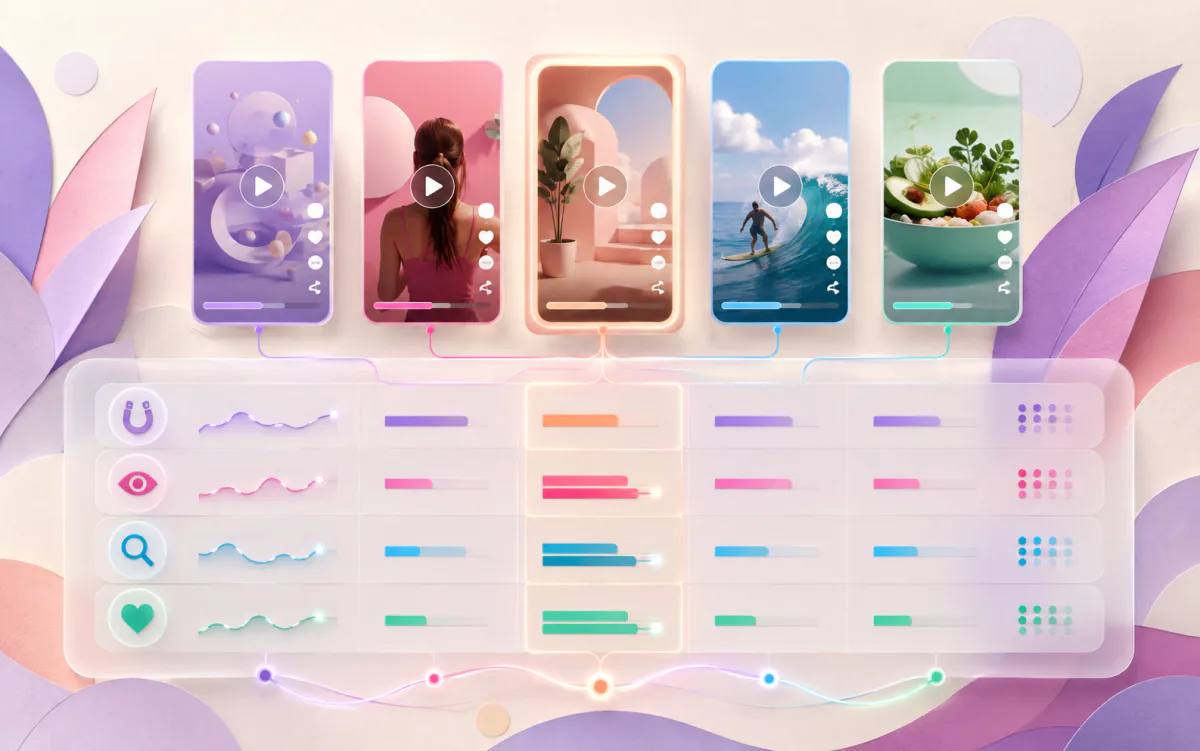
Compare 2, Compare 3 and Compare 5 analyze every video in detail using the same selected dimensions, then rank and evaluate the complete set. Each video gets an edit plan; Compare 5 also identifies shared patterns.
Vergelijk 3 Video's5000 PinkJeton
- Video AStrongest opening promise86
- Video BBest caption clarity78
- Video CVisual quality needs work69
Useful for a tight creative choice, such as three hooks, offers or versions of one format.
Vergelijk 5 Video's7500 PinkJeton
- Rank the complete setOne shared scorecard1–5
- Explain the winnerDimension-level evidence
- Find winning patternsRepeated strengths, not one lucky signal
Useful for a series, campaign, competitor sample or format portfolio with enough variation to reveal a pattern.
The scores above illustrate report structure, not guaranteed output. Live reports depend on the selected public videos and available evidence. Current prices are confirmed by the tool before purchase.
Report anatomy
03 · Read the reportRead from conclusion to evidence to action
The report interface changes with the selected tools, but the useful reading logic stays consistent.
Executive verdict
The central diagnosis and overall direction. Use it to orient yourself, not as a substitute for the detailed evidence.
Score and factor breakdown
Shows how individual dimensions contribute and which strong or weak factors deserve attention.
Analyzer-specific evidence
May include selected frames, query alignment, music measurements, comments, trend observations or first-versus-last-frame comparison.
Availability and warnings
Marks missing, limited or bounded evidence so absence is not converted into false certainty.
Prioritized actions
Turns the diagnosis into specific changes such as rewriting the promise, clarifying the topic or adjusting edit rhythm.
Saved and portable output
Private saved reports support later review. Where available, PDF or copy controls help move approved findings into a team workflow.
Expert Creator Rapport
04 · StrategyMove from diagnosing one post to planning the next seven days
Expert includes all active single-video analyzers, then builds an aggregate growth strategy and a seven-day content plan from the report evidence.
Complete diagnostic layer
Caption, hashtag, music, SEO, comment, hook, viral, visual, shareability, replay, trend fit and sentiment are evaluated when evidence is available.
Growth strategy
The aggregate strategy connects strengths, constraints and priorities so the next actions are not twelve disconnected recommendations.
Seven-day content plan
Daily themes can include an idea, hook, caption, hashtag direction and sound concept, giving the report an execution path.
Use Expert when you are ready to act on a broad diagnosis. If you only need a stronger hook or caption, a focused analysis is easier to test.Scope principle
Report questions
05 · FAQComparisons, reports and reuse
What is the difference between Compare 2, Compare 3 and Compare 5?
All three modes provide the same depth of analysis for each video, shared scores, a ranking and individual edit plans. Choose two, three or five different links; Compare 5 also looks for shared winning patterns.
Can I choose the dimensions used in a comparison?
Yes. Comparison packages have supported dimensions, and the interface lets you select a valid subset or keep the defaults for a broader comparison.
Does the highest-scoring video prove that its format will always win?
No. It wins within the selected sample, dimensions and available evidence. Audience, timing, distribution and future execution can change the outcome.
What does the Expert Creator Report add?
Expert combines the full active analysis set with an aggregate creator strategy and a seven-day content plan.
Can I download or revisit a Video Analysis report?
Completed reports are associated with the signed-in account and can appear in Saved Reports. Report pages also provide supported export or copy controls, subject to availability and retention rules.
Turn evidence into your next move
Analyze the video. Keep the lesson.
Use the report to choose one clear improvement, publish thoughtfully and compare the next result.