Find what caught your eye
Public TikTok videos
Turn a TikTok moment into a product match
Paste a public link, choose what you saw and compare evidence-supported matches before continuing to a store.
The short answer
From TikTok to product match
- 1Paste a public videoTikPink creates the preview.
- 2Choose the evidencePick a moment, range or area.
- 3Compare your optionsContinue only when a match fits.
Find it with confidence
Every match starts with the evidence you choose
Your selected moment stays connected to the product identity, PinkJeton quote and store options from start to finish.
01ΈναρξηCopy the public TikTok link
Open the TikTok containing the product, tap Share and copy the link. Paste it into Product Finder. TikPink checks the public address and shows the creator, caption and duration before any paid analysis begins.
No manual video upload and no charge for pasting a link.02SelectChoose a clear moment or range
Pause where the item is visible. You can add a single moment, a short time range or slideshow images. A sharp label, logo, front view or second angle usually creates a stronger result than a blurred frame.
If it appears briefly, include a few seconds around that moment.03FocusDescribe or mark the item
Write naturally: “find the black microphone” or “find the lamp behind the creator.” You may also draw over an area. The whole frame remains useful context; the selected area simply receives more search priority.
You can describe the item in your own language.04ConfirmReview the PinkJeton price
Your selected duration determines the analysis plan. TikPink shows the exact PinkJeton quote and expected balance before confirmation. The paid analysis starts only after you approve that quote.
The quote is calculated securely on the server.05UnderstandCompare identity and evidence
Read the match explanation, not only the product picture. Visible brand names, model details and repeated clues can support an exact identity. When the evidence is weak, TikPink shows likely or similar options instead of inventing certainty.
Exact, likely and similar results are clearly separated.06ChooseContinue to the merchant
Compare the available product cards, merchant names, prices and match details. When an option suits you, continue to that store. Current stock, final price, delivery, returns and payment are handled by the merchant.
Some store links may be affiliate links without increasing your price.See before you choose
Keep the video scene beside every product match
Compare the original moment, supporting clues and available offers without losing the context of what you saw.

Point to the exact item you mean
Keep the full scene as context while giving one product more priority.
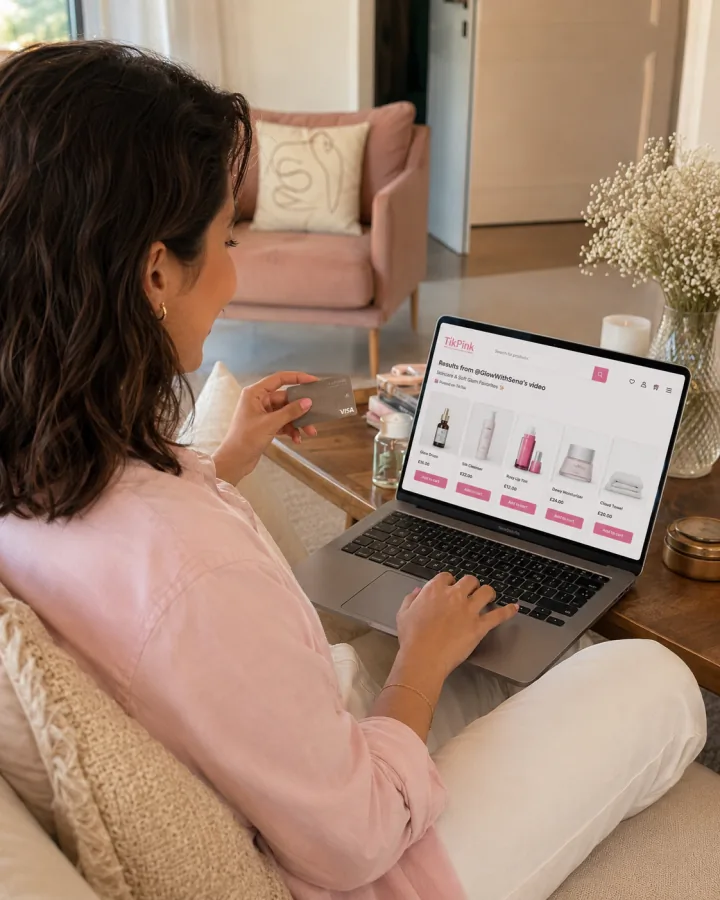
See why the match makes sense

Choose where you want to continue
Four small choices make a big difference
Avoid heavy blur and filters.
Include a label or side view.
A specific request reduces noise.
Confirm variant, stock and final price.
Quick questions
Good to know before you start
Do I have to download the TikTok video first?
No. Paste the public TikTok video link directly into Product Finder. TikPink prepares the preview for you.
Is an exact product always guaranteed?
No. Exact identification depends on visible evidence. When clues are missing, TikPink shows likely or similar options instead of making an unsupported exact claim.
When are PinkJeton charged?
Previewing the link is not the paid analysis. TikPink displays the exact quote before you review and confirm the request.
Can Product Finder open private TikTok videos?
No. Product Finder is designed for publicly accessible TikTok content.
Where does the purchase happen?
TikPink helps you compare options. Availability, delivery, payment, returns and the final transaction take place on the merchant’s website.
Ready when you are
Open Product Finder
Find the product hiding in your next TikTok.
Paste the link, choose the moment and stay in control of the final choice.